Rock & Mineral Tracking Sheet in 2026: From Excel and Printable PDFs to a Dedicated Collection Manager
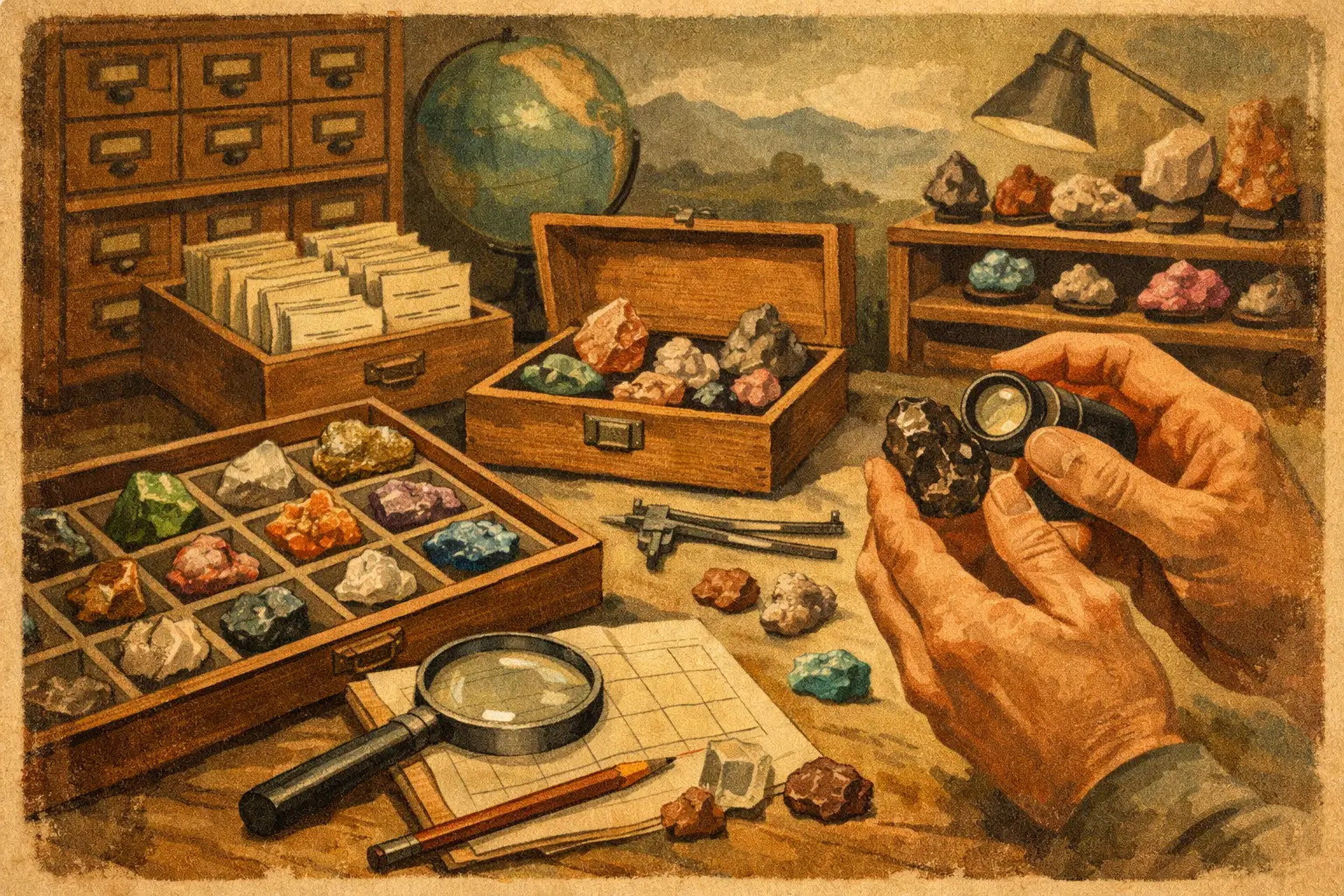
Building a mineral collection inventory in 2026 means choosing Excel or dedicated software based on scale, provenance, imaging, labels, and access.
If you have ever opened a spreadsheet called Final_Collection_Real_v3 and then spent ten minutes searching for a thumbnail of a fluorite from Berbes, you already understand the core problem. A rock and mineral tracking sheet, whether kept in Excel or printed as a PDF, is not really a question of preference in 2026. It is a question about how much structure, traceability, and presentation your collection now requires.
For a small group of specimens, Excel can still be perfectly serviceable. For a collection that includes locality detail, acquisition history, labels, images, valuation, taxonomy, cabinets, and public-facing presentation, the spreadsheet starts to show its limits quickly. The right choice depends less on collector identity and more on collection complexity.
Building a mineral collection inventory starts with the data model
A useful inventory is not just a list of names. It is a record system. Serious mineral collections usually need more than specimen name and purchase date. They need a repeatable structure that can hold scientific and collector-relevant information without becoming inconsistent over time.
At minimum, most collectors benefit from fields such as:
catalog number
mineral species
variety or habit
locality hierarchy
dimensions and weight
acquisition source and date
price or current valuation
condition notes
storage location
specimen photographs
label text
provenance or former collection data
Excel can hold all of this, but it does not enforce good collecting practice on its own. A spreadsheet will let one row say "Tsumeb" and another say "Tsumeb, Namibia" and a third say "Tsumeb Mine, Oshikoto Region, Namibia". That flexibility feels convenient at first. Later, it creates duplicated entries, broken filters, and a catalog that becomes harder to trust.
Dedicated collection software starts from a different assumption. It treats the collection as a structured archive. Instead of asking you to improvise a system, it gives you fields, relationships, display logic, and usually some form of standardised organisation. Collectors increasingly expect their inventory to do more than sit on a desktop file (we wrote about that shift in The Future of Digital Mineral Collections).
Where Excel still works well
Excel remains useful because it is familiar, fast to start, and highly adaptable. For many collectors, that matters. If you are inventorying a modest collection and you primarily want a sortable record of ownership, a spreadsheet can be enough.
Excel is particularly strong when you want:
a low-friction starting point
custom columns built around your own terminology
basic filtering and sorting
offline access without learning a new platform
simple cost tracking or insurance totals
It also suits collectors who think in tables and are comfortable designing their own logic. A disciplined user can build a clean, effective spreadsheet with controlled vocabularies, drop-down menus, image references, and consistent catalog numbering.
That said, the word disciplined is doing a lot of work here. The spreadsheet is only as good as the person maintaining it. If data entry standards drift, the inventory drifts with them.
The Excel problem is not data entry - it is scale
Most spreadsheet problems appear slowly. At 50 specimens, almost anything works. At 300, duplicate fields and inconsistent locality formats become annoying. At 1,000 or more, they become structural.
The challenge is not whether Excel can store the data. It can. The challenge is whether it can support the ways collectors actually use that data.
Collectors rarely want just a master list. They want to search by species, country, mine, size, display cabinet, or ex-collection provenance. They want museum-style labels. They want multiple images per specimen. They want public galleries, private notes, valuation records, and inventory views that still make visual sense months later.
This is where Excel starts feeling less like a catalog and more like a container. It stores information, but it does not naturally present it, relate it, or publish it. A related question, paper labels and printed catalogs, is covered in Paper or Digital Catalog for Your Collection?.
Dedicated software is built for collector workflows
Dedicated mineral collection software exists because specimen collecting has its own logic. A mineral specimen is not just an object with a title. It carries classification, locality hierarchy, acquisition context, and often visual documentation that needs to remain attached to the record.
In 2026, the better platforms tend to support a broader collector workflow, including:
specimen-level records with structured fields
image galleries tied directly to entries
location management by drawer, flat, cabinet, or room
printable labels
public or shareable specimen pages
provenance and acquisition tracking
taxonomy-aware organization
mobile-friendly access
backup and synchronization across devices
This is the real advantage over Excel. Dedicated software reduces the amount of system design you must invent for yourself. It also makes the inventory more usable as a working collection tool rather than a static table.
For collectors who buy, trade, exhibit, photograph, or publish their specimens, that shift is substantial. The inventory becomes part of how the collection is presented and understood.
Excel vs. dedicated software in 2026: the deciding factors
If you are choosing between the two, the most useful question is not which is better in absolute terms. It is which one matches the maturity of your collection.
Choose Excel if your inventory is primarily administrative. That usually means you want a private list, your imaging needs are limited, your locality data is not deeply hierarchical, and you do not need polished presentation tools. Excel is also reasonable if you are still defining your cataloging standards and want a temporary structure before migrating later.
Choose dedicated software if your inventory is part archive, part reference, and part presentation system. That is usually the better fit when you care about specimen photography, standardized fields, label generation, public sharing, cabinet mapping, or maintaining long-term consistency across a growing collection.
There is also a middle category. Some collectors start in Excel, then maintain a second system for labels or online display. This usually works for a while, then creates duplication. The same specimen gets updated in one place and forgotten in another. By the time this becomes frustrating, the collection has already outgrown the original setup.
Cost is not the only trade-off
Excel often appears cheaper because many collectors already have access to it. Dedicated software usually introduces a subscription or platform cost. That matters, but it is not the full calculation.
The real cost comparison should include time, errors, and future migration. A spreadsheet with weak standards often produces cleanup work later. You may spend hours normalizing locality names, reattaching images, rebuilding labels, or moving records into another system after the collection grows.
Dedicated software costs more upfront, but it can reduce that maintenance burden if the platform is well designed. For serious collectors, the value is often in the avoided friction. Fewer duplicate entries. Better label output. Faster retrieval. More confidence that specimen data is complete and consistently organized.
The trade-off, of course, is flexibility. Excel will always let you invent your own structure. Dedicated software gives you a framework. A good framework saves time. A rigid one can be frustrating if it does not match how you collect.
Migrating an existing tracking sheet without retyping
One of the most common reasons collectors stay in Excel is the fear of losing months of cataloguing work. In Cabinet No. 40 the migration is a one-time .xlsx import. The Collector Panel maps your existing columns to the structured fields described above and detects duplicates on two levels: by full catalogue ID and by a name + locality + size signature. When a match is found, a dialog asks whether to skip the row or overwrite the existing record, so you keep control instead of merging blindly.
In practice, a 400-specimen spreadsheet moves over in a few minutes, with images attached afterwards in a bulk upload that uses fuzzy filename matching. That is usually the point at which a tracking sheet stops being a static file and starts behaving like a working archive.
What to look for in dedicated mineral inventory software
Not all collection platforms are equally suited to mineral specimens. Some are generic catalog tools. Some are adapted from museum workflows. Some focus more on community features than documentation depth.
For mineral collectors, the strongest platforms usually handle a few specific requirements well:
locality detail that goes beyond country and state
support for multiple specimen images
label-ready formatting
clear cabinet and storage organization
provenance fields and acquisition records
visually strong specimen presentation
export options in case your needs change
A platform such as Cabinet No. 40 is designed around this collector reality, where taxonomy, provenance, imagery, and display all belong inside the same record rather than scattered across separate tools.
Before committing, it is worth asking a simple question: does this system help me document the collection as it actually exists, or does it force me into workarounds?
The limits of a printable mineral tracking sheet
Plenty of collectors start with a printable PDF tracking sheet downloaded from a hobby blog. It is free, tangible, and easy to take to a show or into the field. For the first dozen specimens it works well. The limits appear once the collection grows: no full-text search, no way to attach multiple photographs, no backup if the binder is lost, and no version history when you correct a locality.
A printable sheet also separates the inventory from the labels. You end up maintaining one document for the catalogue and another for the cards in the cabinet, and the two drift apart. A digital tracking sheet replaces both at once: the same record drives the search view and the printed label. If you want to keep the paper habit, the Collector Panel still generates print-ready specimen cards on demand, but the source of truth stays in one structured place. The free Hobby plan is intentionally designed as a direct upgrade path from a printable PDF, with no migration cost.
The best path for most serious collectors
For many collectors in 2026, the practical answer is phased. Start by defining your catalog fields clearly. Decide how you will format species names, localities, dimensions, acquisition records, and storage locations. If you already have a spreadsheet, clean that structure first. Then decide whether the collection has crossed the threshold where presentation, image management, and long-term consistency justify dedicated software.
That threshold usually arrives earlier than expected. Once you begin photographing specimens properly, printing labels, recording provenance carefully, or sharing your collection with others, a spreadsheet stops feeling like a complete home for the data.
The strongest inventory system is the one you will maintain accurately for years, not weeks. If Excel still supports that with clarity and discipline, it remains a valid tool. If your collection now functions more like a curated archive than a simple list, dedicated software is usually the better instrument.
A mineral collection gains value when its documentation is as carefully organized as the specimens themselves. Build the inventory with the same standard you apply to the cabinet, and future you will thank you every time you open a drawer and know exactly what you are looking at.
FAQ
When should I move from Excel to dedicated mineral collection software?
Most collectors hit the wall between 300 and 500 specimens, or as soon as the collection starts functioning as an archive with photography, labels, provenance and shared display. If you still primarily want a private list with basic sorting, Excel is fine.
Can I track specimens offline in the field, without internet?
Yes. Field Mode lets you capture a quick draft (photo, name, location) on your phone in offline mode at a show or during a field trip; it syncs to your tracking sheet automatically when you are back online. Available on Kustosz and Kustosz+ plans.
Is my collection data private by default?
Yes. Every specimen is private by default. Public sharing is optional and granular - you decide per specimen or per cabinet what becomes visible, and the rest stays in your private archive.
What happens if I stop using the platform - can I export my data?
Yes. Full export to Excel and CSV is always available, including images and locality structure. There is no vendor lock-in; your inventory remains portable.